Overview
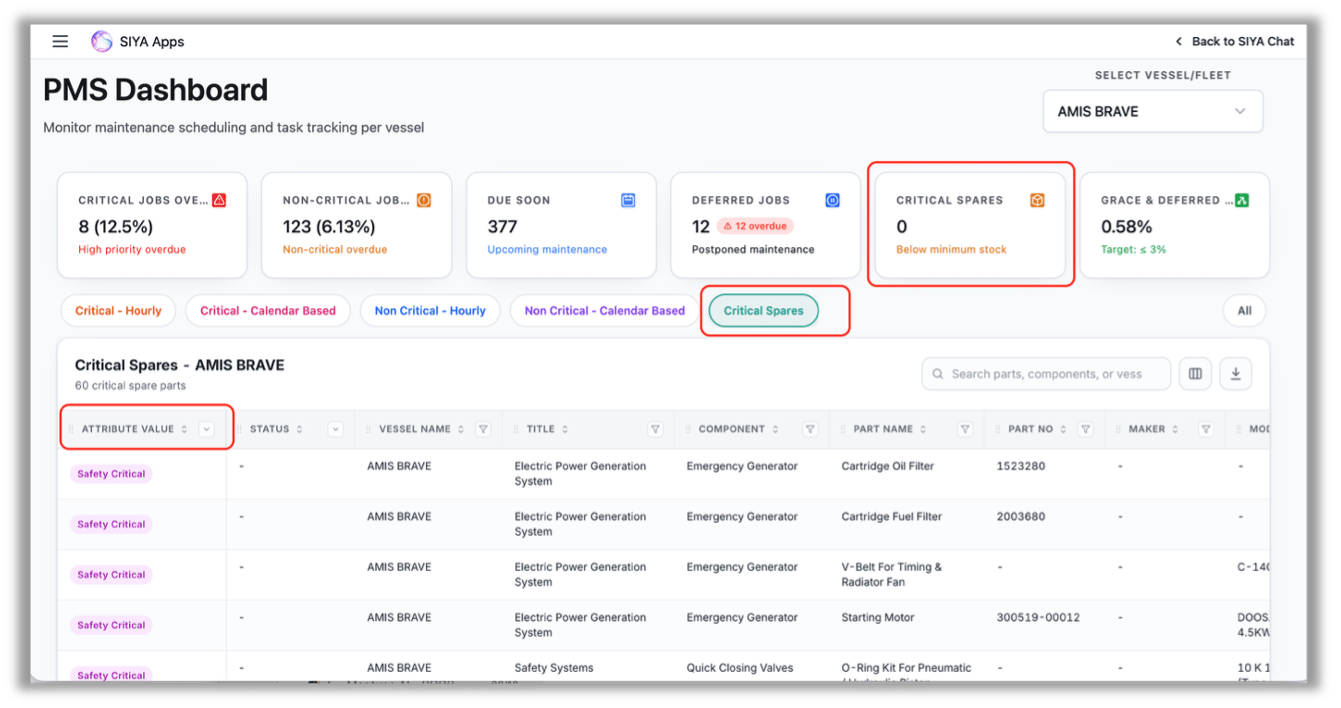
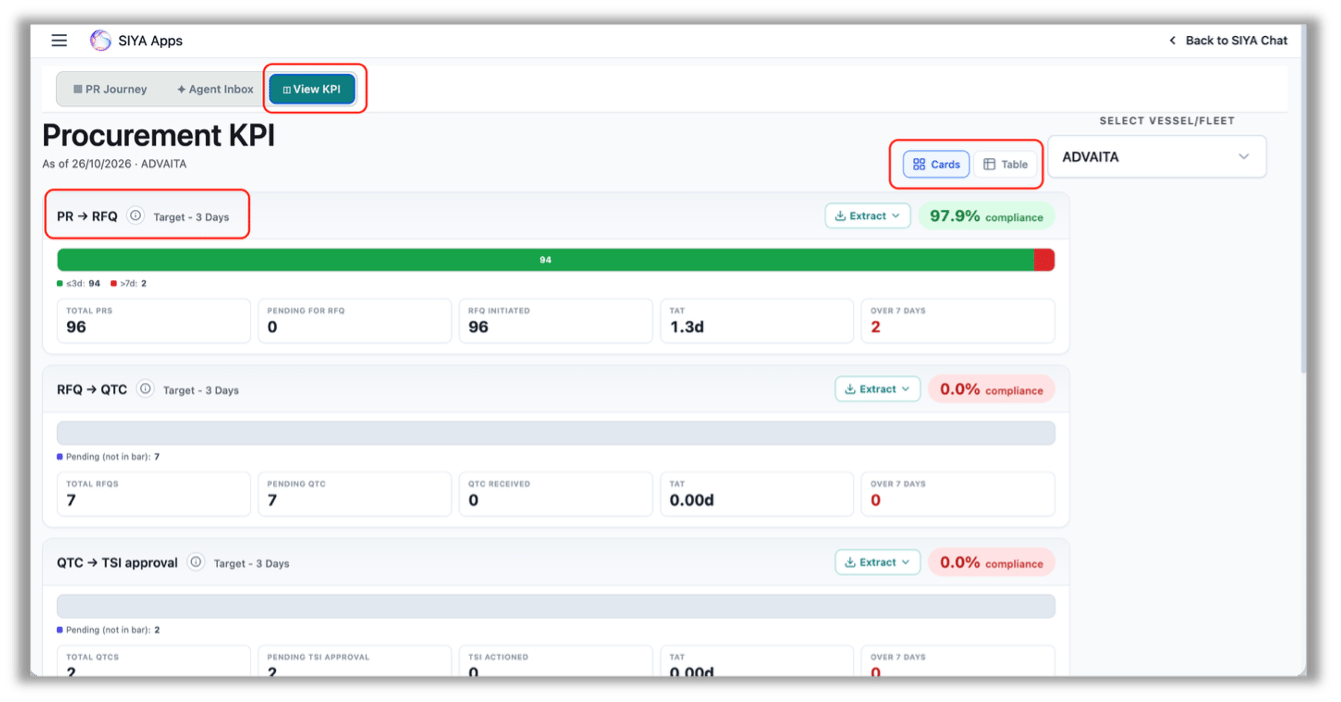
This release brings a new Critical Spares KPI to the PMS Dashboard, also on the PMS side, dashboards now surface a “Critical Spares Below Min Stock” count fleet-wide. The Procurement Dashboard adds a new KPI tab alongside PR Journey and Agent Inbox, measuring turnaround time against target across five stages — PR to RFQ, RFQ to QTC, QTC to Approval, PO Issue to Delivery, and Delivery to GRN. Finally, a new Invoice Agent automates supplier invoice processing end-to-end.New Features / Improvements
- PMS Dashboard
- Attribute Value field — Indicates whether the spare is tagged as Safety Critical, Compliance Critical, or Business Sensitive.
- For Shippalm V3 vessels where critical spare tagging has not been performed, the Attribute Value field will display ”-”.
- Procurement Dashboard
- PR to RFQ
- RFQ to QTC
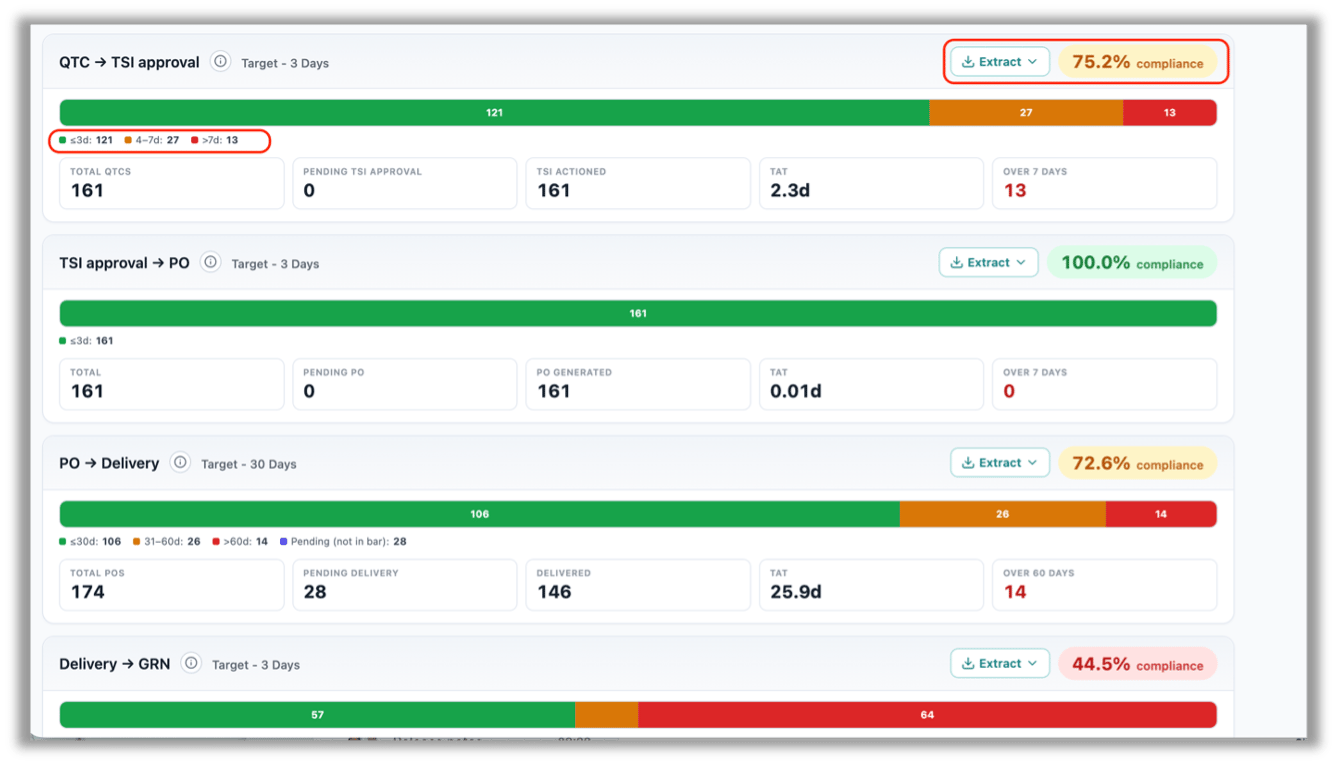
- QTC to Approval
- PO Issue to Delivery
- Delivery to GRN
- Sample target values have been configured for each stage, and the corresponding performance figures are displayed against these targets.
- Below 3 days or 30 days
- 3 to 7 days or 30 to 60 days
- Above 7 days or above 7 days
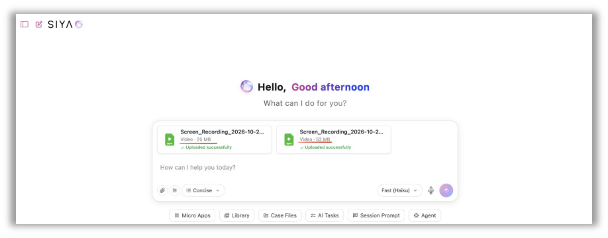
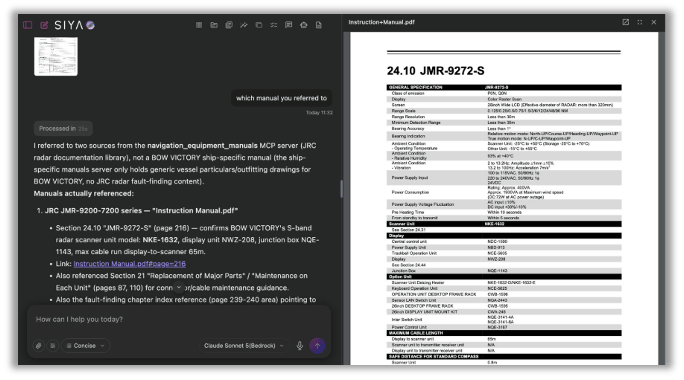
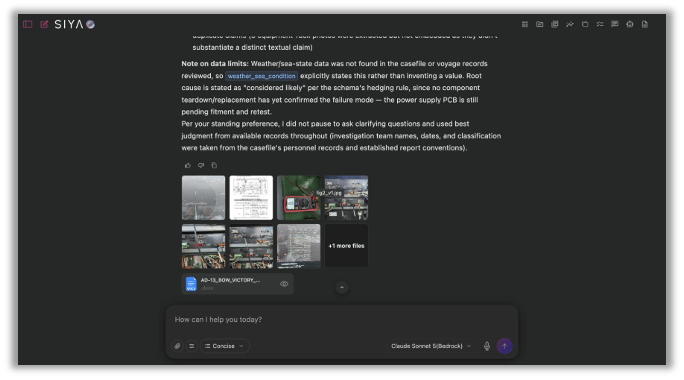
- Chat & Platform Fixes
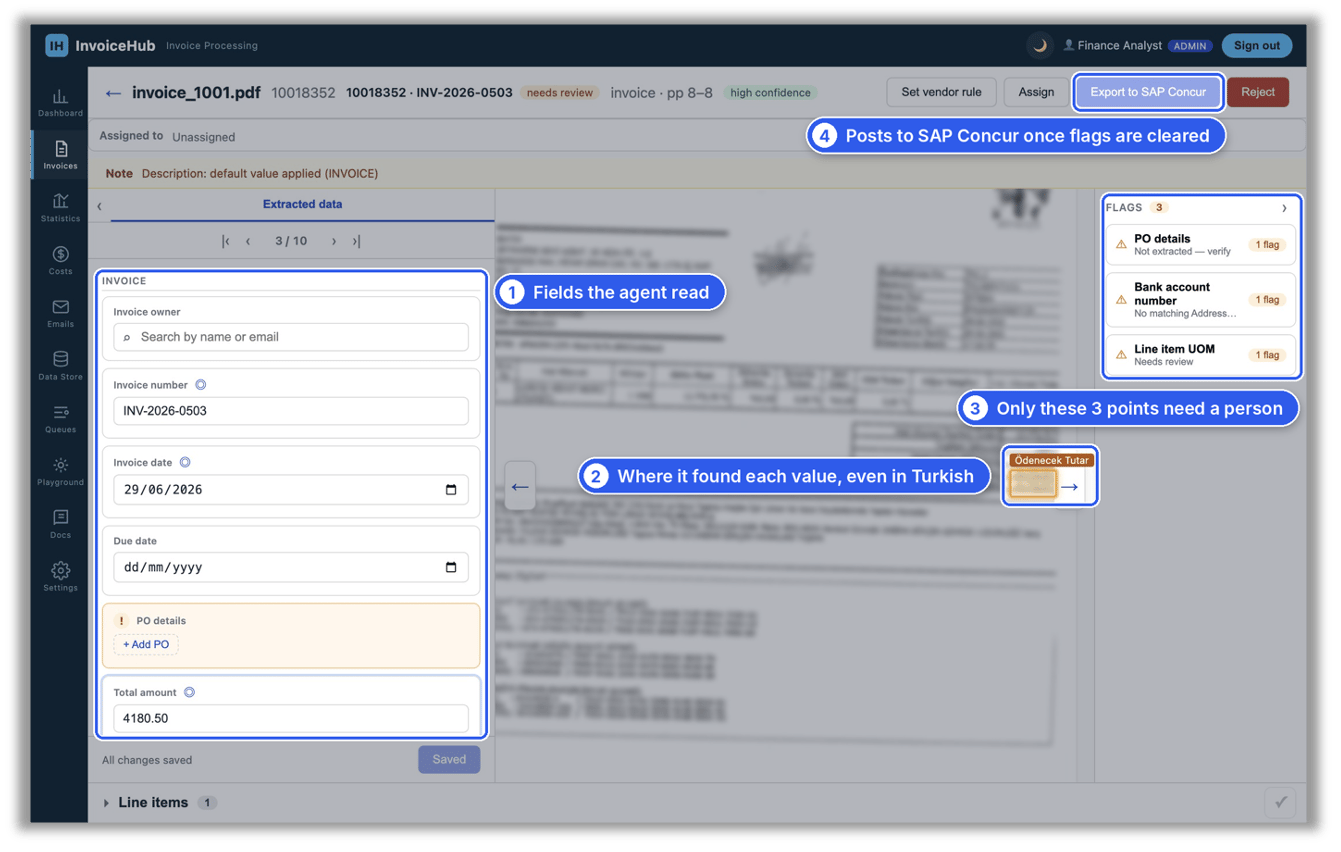
- Invoice Agent (SAP Invoice Processing Agent)
- Inbox pickup — Reads each group company’s invoice mailbox, collects the attachments and keeps every invoice linked to the email it came from.
- Automatic splitting — Finds each invoice inside bundled PDFs of any length and keeps the receipts with the right invoice.
- Reading in any language — Pulls out every field and line item. A second AI model double-checks each value and shows where it appears on the page.
- SAP checks — Matches the vendor, bank account and cost centre against SAP master data. If the bank account belongs to a different vendor, the invoice is stopped.
- Posting to Concur — Invoices that pass every check are created in Concur with the PDF attached, in under a minute. The agent first checks Concur, Eyeshare and Staple so the same invoice is never posted twice.